Parts Finder Software Book a demo

Resources

Planning a better parts experience for your dealership?

This page collects the material that supports the main site: implementation guidance, proof-oriented examples, and the questions dealers usually need answered before moving forward.

What to evaluate before you start

The best dealership projects usually begin with the same questions: what needs to integrate, where the catalog friction actually is, and whether the current store should be improved or rebuilt.

Catalog complexity

How many sources shape pricing, inventory, compatibility, and OEM versus aftermarket relationships?

Current storefront limits

Is the existing store missing fitment clarity, parts discovery, or the ability to merchandise related options cleanly?

Operational fit

Will the rollout support the way your staff already manages parts, or create more work than it removes?

Core features in the product

These sections are based on the actual widgets in the codebase. Each feature solves a different part of the dealership buying flow, from OEM lookup to fitment clarity and related product discovery.

Feature 01

Parts Finder

The Parts Finder is the main discovery experience. It lets users move through brand, year, riding type, model, and diagram until they reach the exact OEM part they need.

In the codebase, this widget supports dedicated parts-finder pages, optional brand forcing, search, diagram imagery, parts lists, request-quote flows, and saved bike behavior for returning users.

  • Dedicated widget root for a full parts lookup page
  • Brand-specific flows for KTM, Husqvarna, and GasGas
  • Diagram view plus linked parts list for exact selection
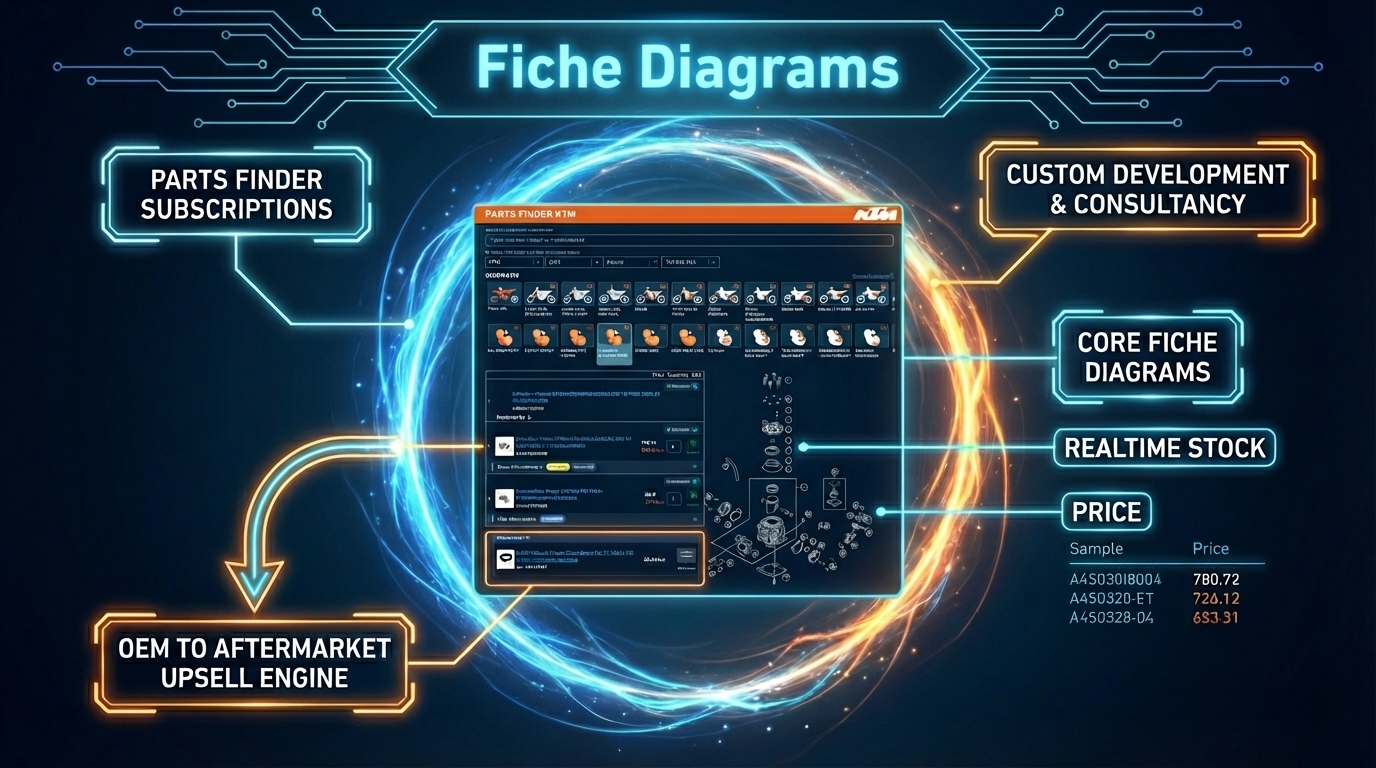
Parts Finder feature

Feature 02

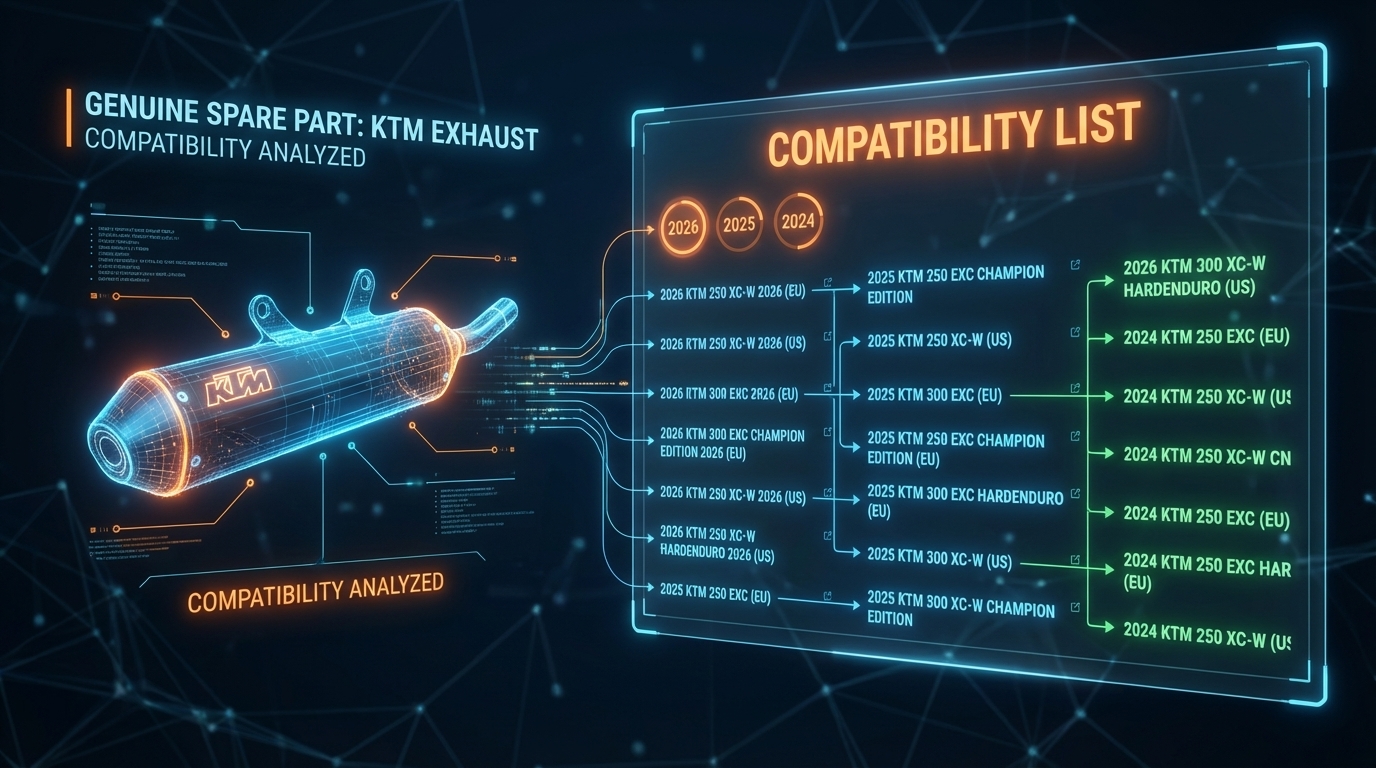
Compatibility Widget

The Compatibility Widget sits on the product page and answers the question customers ask before buying: which motorcycles does this part fit?

In the implementation, it is SKU-based, loads compatibility data, groups matching models, and can link the shopper back into the correct brand-specific parts finder flow when they want to inspect diagrams in more detail.

  • Product-page widget tied to the current product SKU
  • Model compatibility lists with fitment context
  • Links back into the matching parts-finder path
Compatibility Widget feature

Feature 03

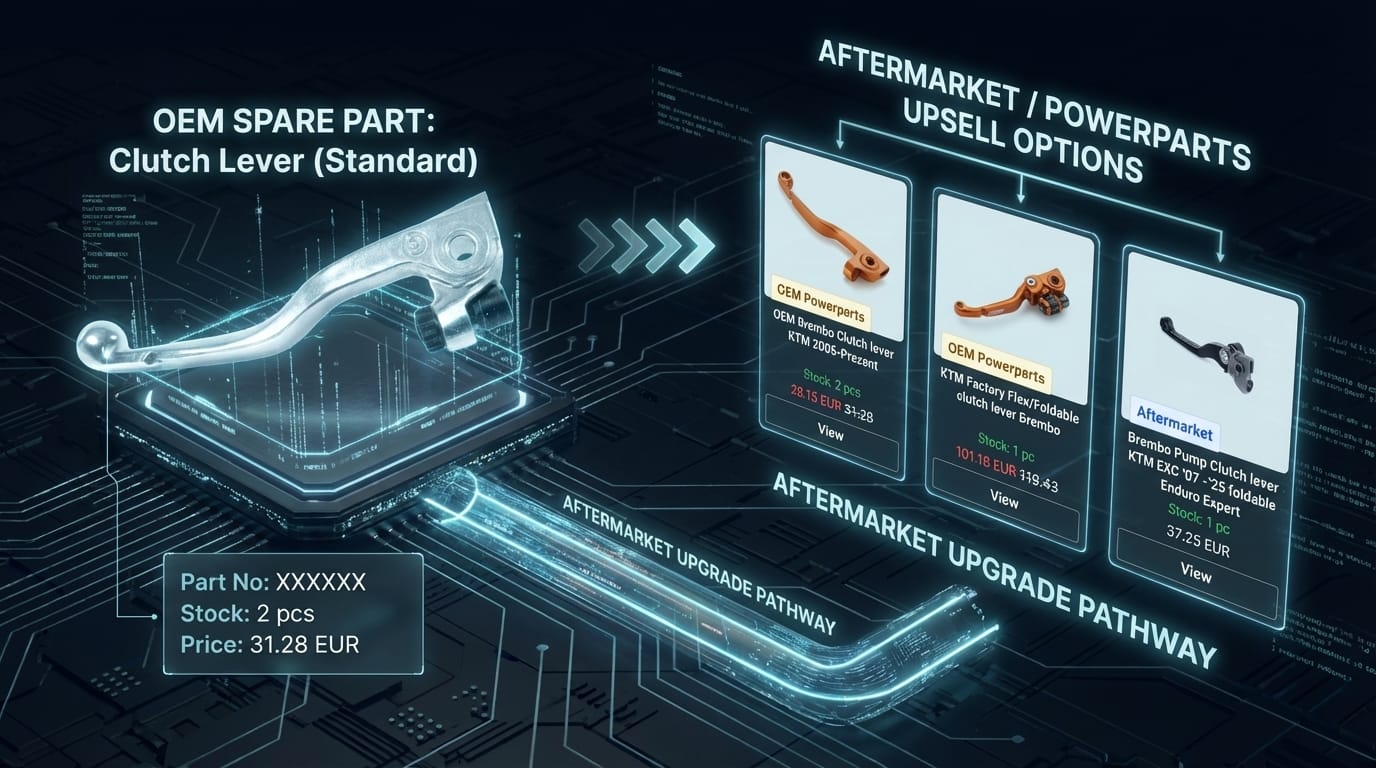
Aftermarket Widget

The Aftermarket Widget uses the OEM part as the starting point, then shows compatible alternatives and related products without forcing the customer to restart the search from scratch.

In the codebase, it is also SKU-based, groups variants by product, supports variant switching, and drives product-card interactions such as add to cart and product-page navigation.

  • Variant-aware product cards for related alternatives
  • Built around the currently viewed SKU
  • Designed to improve cross-sell and attach-rate opportunities
Aftermarket Widget feature

Feature 04

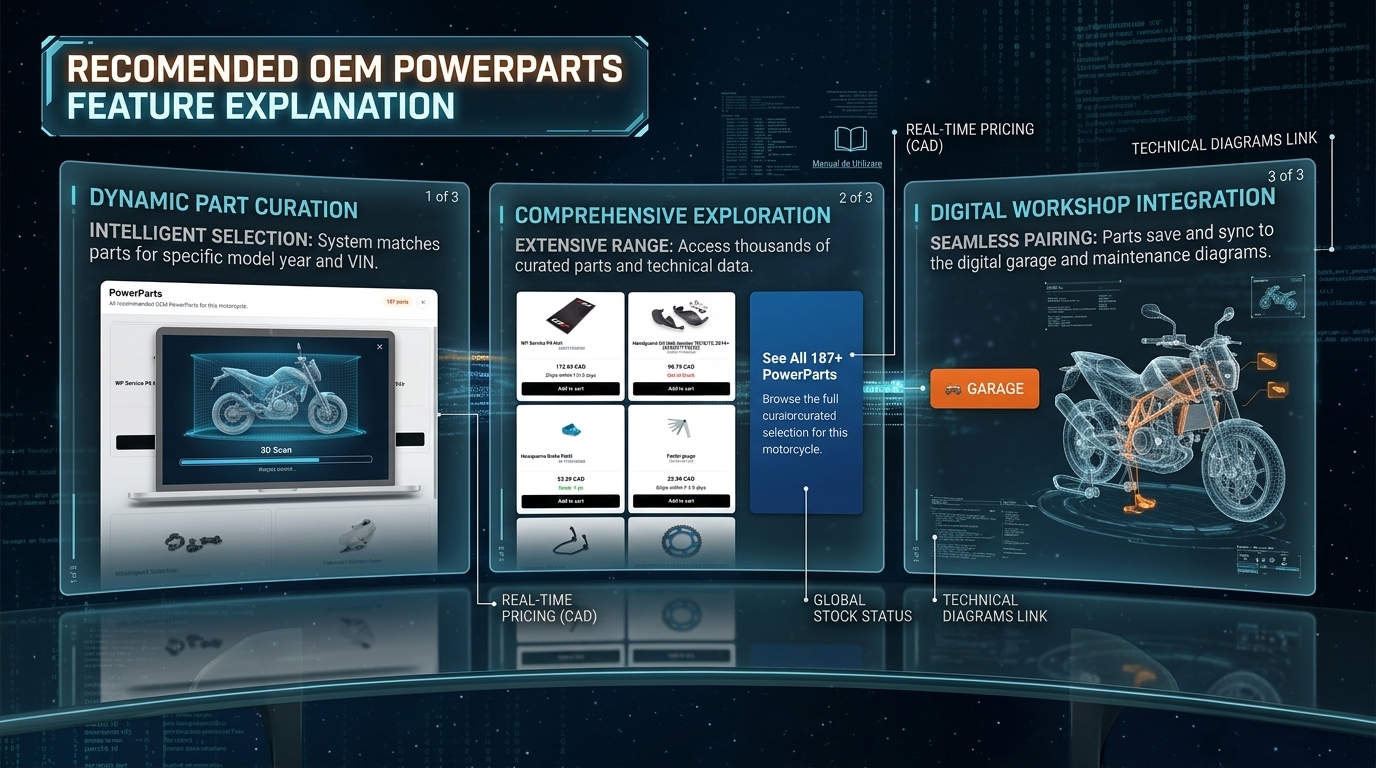
PowerParts Widget

The PowerParts Widget is a dedicated merchandising flow for recommended OEM PowerParts tied to the current motorcycle. It is separate from the aftermarket widget and uses product handle context instead of SKU context.

In the implementation, it shows preview cards first and opens a larger modal when the catalog is broader, making it easier to browse a curated set of upgrades without overwhelming the product page.

  • Dedicated widget root for PowerParts recommendations
  • Preview cards plus a larger “See All” modal
  • Built for curated OEM upgrade discovery around a specific motorcycle
PowerParts feature

Dealership Success Stories

Read how other authorized motorcycle dealerships use Parts Finder Software widgets and catalog syncing to optimize their operations and drive online sales growth.

Dealer Spotlight

How ASM Shop (Norway) scaled e-commerce sales dramatically

Faced with complex OEM catalogs and clunky desktop fiche diagrams, Norwegian dealer ASM Shop deployed our mobile-first vector overlays and SKU-based compatibility lists. The result was a dramatic revenue surge, reduced parts returns, and cut customer support tickets.

Read the ASM Shop Case Study

Coming Soon

WMR1 (United States) catalog integration case study

Learn how custom parts lookup engines and multi-provider pricing synchronizations enabled one of America's leading KTM and race prep facilities to automate their storefront workflows.

Case Study In Progress

Resource checklist for the first call

If you want the first conversation to move quickly, bring a clear view of your current stack and catalog challenges.

  • Current store platform and any custom constraints
  • Main provider or catalog data sources
  • Where customers currently struggle to find the right parts
  • Which workflows are manual today and need improvement
  • Whether the priority is OEM discovery, fitment clarity, provider sync, or a broader storefront rebuild

Want a more tailored walkthrough?

Use the demo call to review your current setup, talk through the hardest catalog problems, and decide whether the next step is an integration, a phased rollout, or a broader rebuild.

Book the call

Book a demo

See how this fits your dealership

Use the booking form to walk through your current storefront, your catalog setup, and which parts experience improvements matter most for your team.

The application is not an official app of the brands KTM/HUSQVARNA/GASGAS/BETA/SHERCO, etc, nor is it affiliated with, or representing them in any manner. Dealers must be authorized and have authorization for the data displayed on their websites.